



Thorfortune App
Von Android-Smartphones und -Tablets bis hin zu Windows- und macOS-Computern – mit der Thorfortune App können Nutzer die Plattform auf jedem Gerät nutzen. Sie funktioniert als Progressive Web App, was bedeutet, dass Sie sie superschnell direkt von der Website aus installieren können. Alle Funktionen funktionieren auf Mobilgeräten genauso wie auf dem Desktop, und der Vorteil besteht darin, dass Sie Ihr Lieblingsspiel überallhin mitnehmen können.

Thorfortune Casino für Android
Android-Nutzer installieren Thor Fortune über Chrome. Sie können dies in jedem Browser tun, aber Chrome ist am bequemsten. Auf der Website können Sie auf das Drei-Punkte-Menü in der oberen rechten Ecke des Browsers tippen und „Zum Startbildschirm hinzufügen“ auswählen. Nach Bestätigung der Aktion erscheint das Thorfortune App Symbol auf dem Startbildschirm, sodass Sie das mobile Casino schnell und einfach öffnen können.
Das Öffnen des Spiels ist nun genauso einfach wie bei jeder anderen App. Ein einziger Fingertipp genügt, und schon erscheint die gesamte Lobby. Sie gelangen sofort zu den Online-Slots, Live-Dealer-Spielen, aktuellen Boni, Missionen und dem Zahlungsbereich. Updates erfolgen im Hintergrund, ohne dass Sie etwas tun müssen.
Das PWA-Format wurde aus praktischen Gründen einer Standard Thorfortune APK vorgezogen: APK-Dateien müssen von einer externen Quelle heruntergeladen werden, und die Sicherheitseinstellungen des Geräts müssen angepasst werden, um die Installation aus unbekannten Quellen zuzulassen. Die PWA ist sicher, da die Installation vollständig über den Browser erfolgt und die Verbindung während jeder Sitzung verschlüsselt ist.
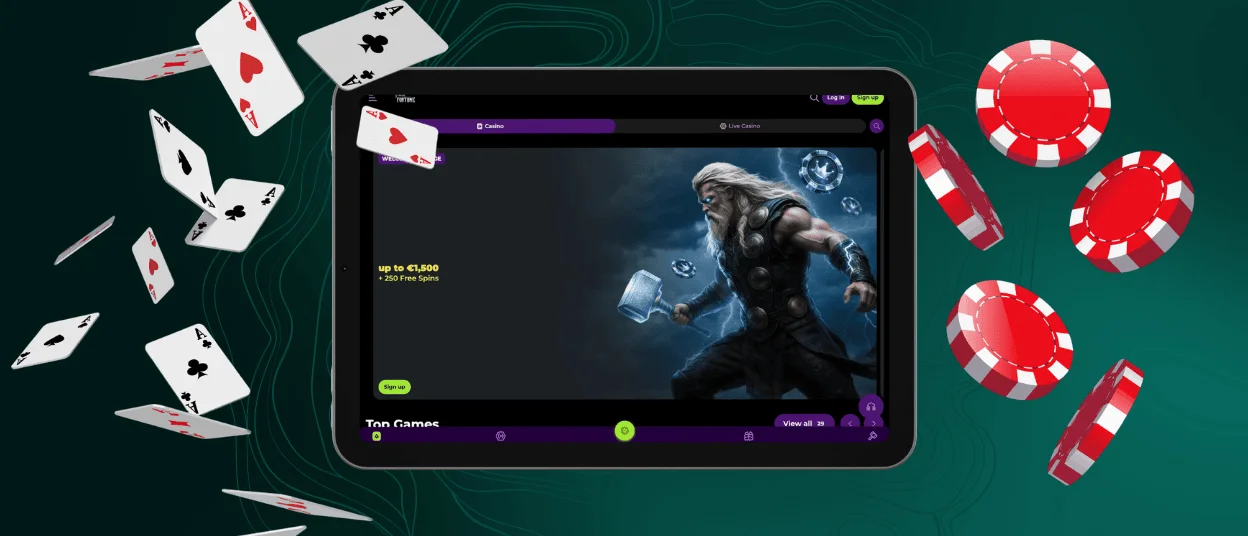
Thorfortune Casino für iOS
Die Installation unter iOS funktioniert auf die gleiche Weise, nutzt jedoch Safari.
- Sie öffnen die Thorfortune Casino Website und tippen auf die Schaltfläche „Teilen“ am unteren Bildschirmrand. Diese Schaltfläche sieht aus wie ein Pfeil.
- Wählen Sie hier „Zum Startbildschirm hinzufügen“.
- Geben Sie bei Aufforderung einen Namen ein, tippen Sie dann auf „Hinzufügen“, und das Symbol wird angezeigt.
Das Spielerlebnis auf iOS ist identisch mit dem auf Android. Sie können Online-Slots, verschiedene Arten von Tischspielen, Live-Casino und Turniere spielen. Das gesamte Bonussystem steht Ihnen ohne Einschränkungen zur Verfügung. Der Verifizierungsprozess für Auszahlungen erfolgt über die Thor Fortune App, Sie können ihn jedoch auch auf einem Desktop-Computer abschließen. Sie sollten die Dokumente über Ihr Konto-Dashboard senden, und innerhalb von 48 Stunden prüft das Support-Team diese.
| Details | Informationen |
| App-Format | Progressive Web App (PWA) |
| Installationsquelle | Direkt von der Thorfortune Website |
| App-Store erforderlich | Nein |
| Auswirkungen auf den Speicherplatz | Minimal |
| Automatische Updates | Ja |
| Demo-Modus | Verfügbar |
| Support-Zugang | Live-Chat und E-Mail, rund um die Uhr |
Anwendung für Windows/macOS
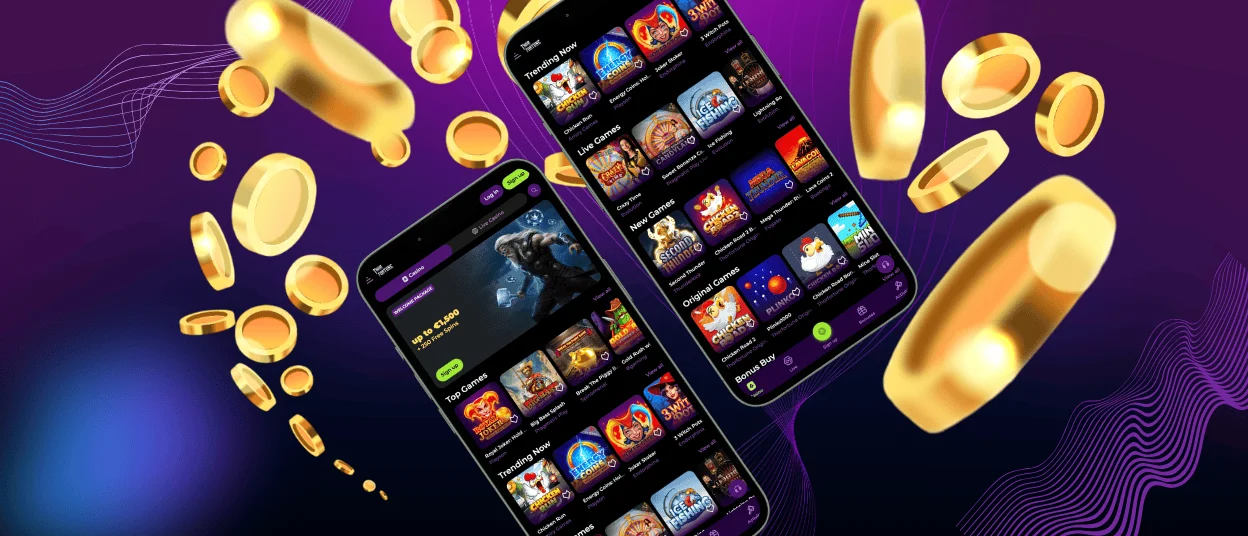
Auch Desktop-Nutzer werden bei der PWA-Einrichtung nicht außen vor gelassen. Die Thorfortune App kann unter Windows und macOS direkt von der Website installiert werden. Gehen Sie dazu wie folgt vor:
- Öffnen Sie das Casino in einem Browser und suchen Sie nach dem kleinen Installationssymbol in der Adressleiste. Je nach Browser ist dies entweder ein Abwärtspfeil oder ein Bildschirmsymbol.
- Klicken Sie einfach auf dieses Symbol und bestätigen Sie Ihre Auswahl. Danach bleibt die App auf dem Desktop oder in der Taskleiste und kann ohne Webfenster geöffnet werden.
Die Sicherheitsfunktionen für die Mobil- und Desktop-Versionen sind identisch. Sie alle verwenden TLS 1.3-Verschlüsselung und eine Webanwendungs-Firewall. Die verschlüsselte Verbindung ist zudem für alle Sitzungen gleich. Wenn Sie die Thor Fortune Casino App auf Ihrem Desktop laden, funktionieren Push-Benachrichtigungen. Das bedeutet, dass Sie die Website nicht jedes Mal auf Updates zu Turnieren und Bonusangeboten überprüfen müssen, die bald enden.
FAQ
Muss ich die Thorfortune App herunterladen?
Im üblichen Sinne müssen Sie nichts herunterladen. Die Thorfortune App kann über einen Browser von der Website heruntergeladen werden. Sie nimmt nicht viel Speicherplatz auf Ihrem Gerät ein und aktualisiert sich automatisch. Es gibt keine externe Datei. Das bedeutet, dass Sie kein App-Store-Konto verwenden müssen. Unsere App beansprucht nicht viel Speicherplatz auf Ihrem Smartphone oder Tablet.
Gibt es einen Kundensupport in der Thor Fortune App?
Die App verfügt über einen integrierten Live-Chat. Über die mobile Plattform können Sie das Support-Team rund um die Uhr, sieben Tage die Woche erreichen. Es handelt sich um dasselbe Team und denselben mehrsprachigen Support wie auf der Desktop-Website. Sie müssen nicht an einen Computer gehen, wenn Sie eine Frage oder ein Problem haben, während Sie gerade am Telefon sind. Und natürlich können Sie uns eine E-Mail senden, wenn Sie ausführlichere Erklärungen benötigen.
Welche Browser eignen sich am besten für Thor Fortune?
Chrome ist der beste Browser für die Installation von Apps auf Android-Geräten, und Safari ist der einzige, der auf Apple-Geräten mit der Funktion „Zum Startbildschirm hinzufügen“ funktioniert. Chrome, Firefox und Edge funktionieren gut mit der Thorfortune Casino Plattform auf dem PC. Chrome ist die beste Wahl für die Installation von PWAs auf einem Desktop-Computer, da es mit allen Betriebssystemen gut funktioniert.
Kann ich Live-Casino-Spiele in der Thorfortune App spielen?
Die App bietet Ihnen Zugriff auf das gesamte Live-Casino. Sie erhalten Spiele wie Lightning Roulette und Sweet Bonanza Candyland sowie alle Live-Blackjack- und Poker-Varianten. Die App funktioniert am besten über WLAN, aber die Streams laufen auch über mobile Datenverbindungen einwandfrei. Das Setzen ist über die Touch-Oberfläche ganz einfach, und die Dealer-Ansicht passt sich jeder Bildschirmgröße an, ohne dass Details verloren gehen, die den Spielspaß bei Live-Casino-Spielen im Thorfortune Casino ausmachen.


